

Migrating from Express.js to Cloudflare Workers represents a fundamental shift from server-based computing to edge computing. This document provides an in-depth analysis of the migration process, architectural considerations, technical challenges, and strategic decision-making frameworks to ensure a successful transition.
Why migrate to Workers?
- Performance and reach : This makes your API accessible in more than 300 locations worldwide.
- Latency : Your app experiences zero cold starts. Workers spin up in under 5ms on average.
- Cost efficiency : You get to pay for only requests and not idle server time
- Automatic scaling : Handle traffic spikes with zero configuration
Understanding the Differences
Traditional Server Architecture (Express.js)
Express.js applications run on centralized servers with the following characteristics:
-
Runtime Environment : Node.js provides a full operating system environment with access to file systems, network sockets, and long-running processes. Applications maintain state in memory across requests, enabling session management, connection pooling, and background job processing.
-
Request Lifecycle : When a request arrives, it traverses through a middleware stack where each function can modify the request, perform operations, and pass control to the next middleware. The server maintains context throughout this chain, enabling complex request-processing patterns.
-
Resource Management : Servers allocate dedicated resources, including memory, CPU, and network connections. Database connections are typically pooled and reused across requests. The application lifecycle includes startup, runtime, and graceful shutdown phases.
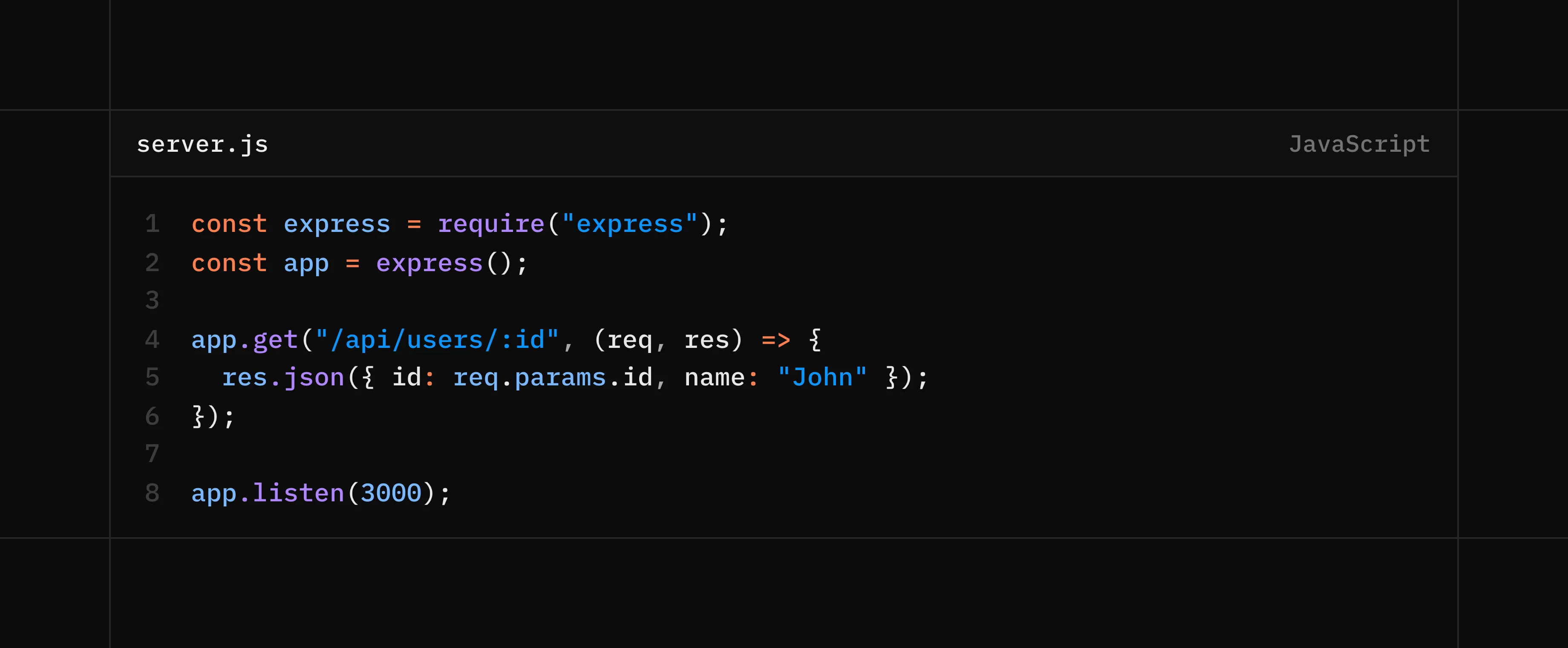 Traditional Server Architecture (Express.js)
Edge Computing Architecture (Workers)
Workers operate on a fundamentally different model:
-
Distributed Execution : Code runs in over 300 data centres globally. Each request is routed to the nearest location to minimise latency. There’s no single server; instead, your code exists as a distributed system automatically.
-
Isolate-based Runtime : Instead of spinning up containers or VMs, Workers use V8 isolates—lightweight execution contexts that start in under 5ms. Each request gets its own isolated environment, which is destroyed after completion.
-
Stateless by Default : Workers don’t maintain state between requests. Every invocation starts fresh. This requires rethinking session management, caching strategies, and data persistence patterns.
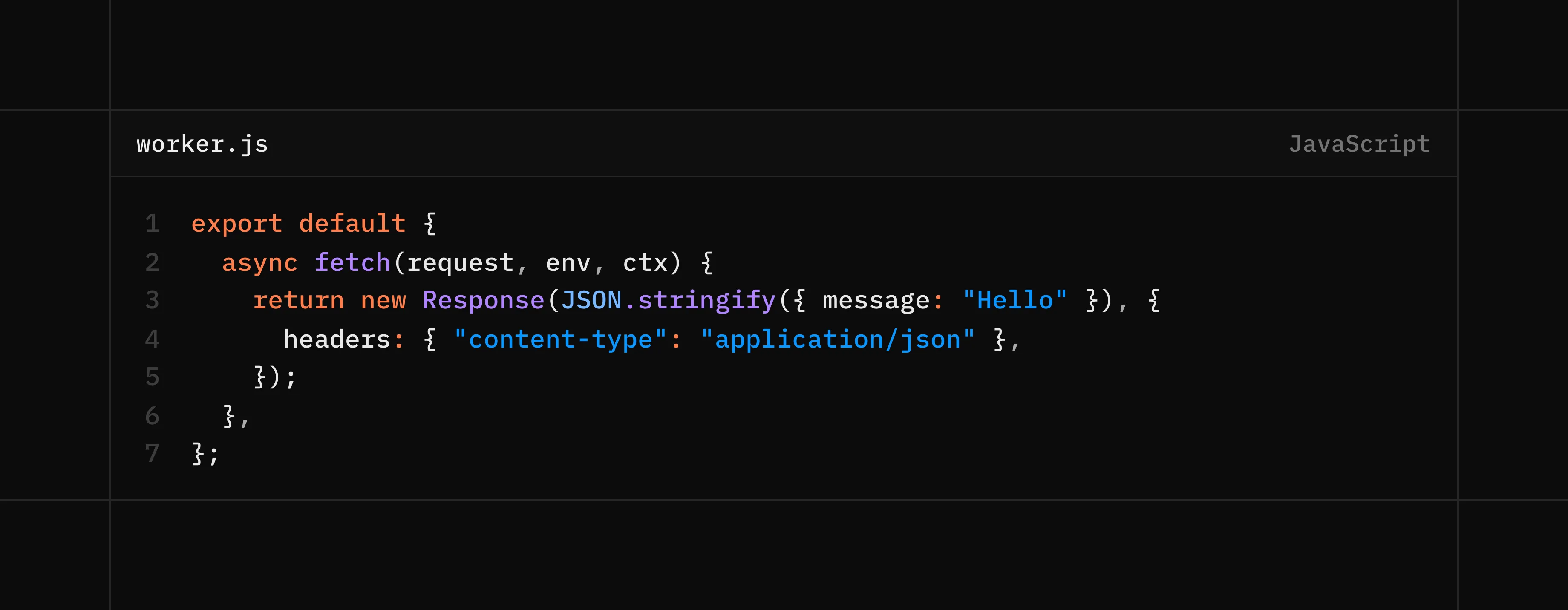 Edge Computing Architecture (Workers)
Prerequisites
Before we get started, the following requirements are essential to follow along:
- An existing Express.js application
- Node.js and npm installed
- A Cloudflare account
- Wrangler CLI - install via
npm install -g wrangleron your local machine
Migration Techniques
There are several techniques you can use to migrate your Express.js application to Cloudflare Workers. In this article, we will be using the following technique:
Using Express.js (before migration)
const express = require('express');
const app = express();

app.use(express.json());

app.get('/api/health', (req, res) => {
  res.json({ status: 'healthy' });
});

app.post('/api/users', (req, res) => {
  const { name, email } = req.body;
  res.status(201).json({ id: 123, name, email });
});

app.get('/api/users/:id', (req, res) => {
  res.json({ id: req.params.id, name: 'Jane Doe' });
});
Using Hono
Hono is a lightweight framework for building web applications. It is a great choice for migrating your Express.js application to Cloudflare Workers because it is built on top of Cloudflare Workers and is a great way to get started. It is an Express-like framework designed for edge environments and provides familiar routing patterns with minimal refactoring.
Using Hono on Workers
To get started with Hono on Workers, you can create a new Worker project using the following command:
wrangler init my-worker
This will create a new Worker project with a default wrangler.toml file and a index.ts file.
You can then start the Worker locally using the following command:
wrangler dev
This will start the Worker locally on port 8787. You can then access the Worker at http://localhost:8787.
To deploy the Worker to Cloudflare, you can use the following command:
wrangler deploy
This will deploy the Worker to Cloudflare and you can then access the Worker at https://your-worker-name.cloudflare.workers.dev.
You can then access the Worker at https://your-worker-name.cloudflare.workers.dev.
To get the Worker’s URL, you can use the following command:
wrangler url
This will return the Worker’s URL.
You can then use the Worker’s URL in your application to access the Worker.
Using Hono on Workers with the hono package
Install Hono using the following command:
npm install hono
You can also use the hono package to create a Worker. This is a great way to get started with Hono on Workers.
import { Hono } from 'hono';

const app = new Hono();

app.get('/api/health', (c) => {
  return c.json({ status: 'healthy' });
});

app.post('/api/users', async (c) => {
  const { name, email } = await c.req.json();
  return c.json({ id: 123, name, email }, 201);
});

app.get('/api/users/:id', (c) => {
  const id = c.req.param('id');
  return c.json({ id, name: 'Jane Doe' });
});

export default app;
Hono remains a great choice for migrating your Express.js application to Cloudflare Workers because it mimics the Express.js API and syntax while running on the mordern infrastructure of Cloudflare Workers.
Replacing the existing Express.js middleware with Hono middleware
One common question is how middleware will be handled after migrating from Express.js to Hono. It is importnant to note that they both implement similar middleware patterns.
Using Express.js middleware
app.use((req, res, next) => {
  console.log(`${req.method} ${req.path}`);
  next();
});
Using Hono middleware
app.use((c) => {
  console.log(`${c.req.method} ${c.req.path}`);
  return c.next();
});
As you can see, the middleware patterns are similar. The main difference is that Hono middleware is async and returns a Promise. This is because Hono middleware is executed in a different context than Express.js middleware. There are other libraries that can be used to replace several functionalities found in ExpressJS in Hono, for example:
-
cors->hono/cors -
compression->hono/compress -
jwt->hono/jwt -
logging->hono/logger - Rate Limiting ->
https://github.com/rhinobase/hono-rate-limiter
Working with environment variables
In express.js, environment variables are loaded using different libraries, for example: dotenv, config, env-cmd, nconf, etc. In Hono, a utilty method called env is provided to load environment variables across multiple runtimes and services.
In Workers for example, environment variables can be managed through the worker configuration file saved in format of a toml or jsonc file, for example: wrangler.toml or wrangler.jsonc.
In wrangler.toml, you can define environment variables for your Worker like this:
[vars]
...
API_KEY=...
API_URL=...
APP_ENV=production
...
Or in wrangler.jsonc, you can define environment variables for your Worker like this:
{
  "vars": {
    "API_KEY": "...",
    "API_URL": "...",
    "APP_ENV": "production",
    ... // other environment variables
  }
}
You can then access the environment variables in your Worker using the env method:
import { Hono } from 'hono';

const app = new Hono<{ Bindings: Env }>();

app.get('/api/health', (c) => {
	return c.json({ status: 'healthy', vars: c.env.APP_ENV });
});
... // other routes
export default app;
You can find more information about working with environment variables in Hono here , working with environment variables in Workers here and managing secrets in Workers here .
In summary, we were able to successfully migrate an Express.js application to Cloudflare Workers using Hono. We were able to use the same middleware patterns, environment variables and routing patterns as we used in Express.js. We were also able to use the same API and syntax as we used in Express.js. This is good strategy at developing modern applications that are fast, scalable and efficient, with the added benefit of running on the edge of the internet.